


Table Of Contents:
- What Is Snazzy Maps?
- Is Snazzy Maps Free?
- How to Use Snazzy Maps
- Using Snazzy Maps in WordPress
- Snazzy Maps vs. Atlist and Other Alternatives
- A Simpler Option: Custom Maps in One Line
- Client Examples
- Frequently Asked Questions
- Conclusion
What Is Snazzy Maps?
Snazzy Maps is a free library of color styles for Google Maps, built for web designers and developers who want a map that matches their brand instead of the plain default. You browse hundreds of ready-made styles, pick one you like, and drop its code into a Google Map you have already embedded on your site.
It was created by Adam Krogh and has grown into a full tool with a style editor and a “Build a Map” feature, used by well over 100,000 designers. Every style is licensed under Creative Commons, so you are free to use and tweak them on client work. The one thing to understand up front is that Snazzy Maps changes the look of a Google Map. It does not create or host the map for you, and it does not replace Google Maps. You still embed the map yourself and apply the style on top.
Is Snazzy Maps Free?
Yes. Snazzy Maps is completely free to use, and every style in the library is released under Creative Commons. There is no paywall to browse styles, copy the code, or use them on your own projects and client sites.
There is one cost that is easy to miss, and it is not Snazzy Maps’ fault. Because the styles run on top of Google Maps, you need your own Google Maps Platform API key to display the map. Google gives a monthly usage credit that covers most small business websites, but heavy-traffic maps can run up a bill. So the styles are free, the map engine underneath is Google’s, and that is where any charge would come from.
How to Use Snazzy Maps
To use Snazzy Maps, browse the style library, open a style you like, and copy its JavaScript or JSON code. Then paste that code into the styles option of a Google Map you have already set up with your API key. The map keeps its location and markers and simply takes on the new look.
Here is the full flow for a custom build:
- Create a Google Maps Platform API key in the Google Cloud console and enable the Maps JavaScript API.
- Add the Google Maps script to your page using that key, and initialize a map centered on your address.
- Browse Snazzy Maps styles, open one, and copy the style array it gives you.
- Pass that array into the
stylesoption when you create the map, then save and refresh.
Prefer not to touch code? Snazzy Maps also has a newer “Build a Map” tool that lets you set the location, add markers, and export a styled map with far less setup.
Using Snazzy Maps in WordPress
On WordPress, the simplest route is the official Snazzy Maps plugin. Install and activate it, then open its settings, add your Google Maps API key, and apply any style from the library to the maps on your site without writing code.
If you already use a map plugin such as WP Go Maps or a directory theme, most of them include a “custom style” or “Snazzy Maps” field where you paste the style JSON directly. Either way the pattern is the same: your Google API key powers the map, and the Snazzy Maps style controls how it looks. It is a clean, low-effort way to get a branded map into a WordPress site.
Snazzy Maps vs. Atlist and Other Alternatives
Snazzy Maps is a styling library for Google Maps, while Atlist is a separate, all-in-one map builder that hosts the map for you and bundles its own Google Maps Platform access, so you skip the API key setup. They are two different tools, not the same product, even though people often mix them up.
A quick way to think about the main options:
- Snazzy Maps is best when you want free, branded styling and are comfortable running your own Google Maps embed.
- Atlist is best when you want an all-in-one builder that handles hosting and the API for you, on a paid plan.
- Mapbox is best when you want to move off Google entirely and design highly custom, data-heavy maps.
A Simpler Option: Custom Maps in One Line
Every option above still asks you to wrangle a Google API key or sign up for another platform. That is the exact friction we kept running into on client sites, so we built our own answer to it: Snazzy Website Maps, a hosted map you can style, add markers to, and embed with a single line of code, no Google key required.
If that sounds closer to what you need, we wrote a full walkthrough here: Introducing Snazzy Maps: Custom Website Maps You Can Embed in One Line. For everyone who specifically wants the classic snazzymaps.com styles, the rest of this guide still has you covered.
Client Examples
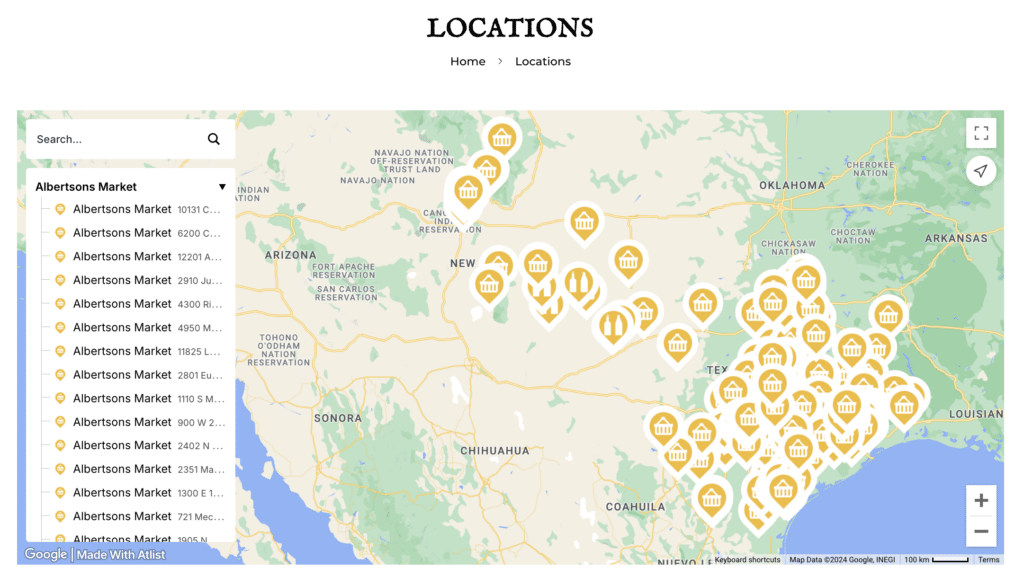
We have used custom-styled maps on a number of client websites, including Boundless Printing, Outbreaks, Inc. and TDs Brew & BBQ. The results have been consistently strong, with clients happy about how the map fits the rest of their brand instead of looking like a generic pin drop. Tools like these make it easy to deliver a polished, on-brand result.
Frequently Asked Questions
Is Snazzy Maps free to use?
Yes. All Snazzy Maps styles are free and licensed under Creative Commons. The only possible cost is Google’s own API usage for the underlying map, which is free for most small business traffic levels.
Does Snazzy Maps require a Google Maps API key?
Yes, if you want the map to display. Snazzy Maps supplies the style only. The map itself runs on Google Maps, so you need a Google Maps Platform API key to show it on your site.
Can I use Snazzy Maps with WordPress?
Yes. The official Snazzy Maps plugin lets you add your API key and apply any style without code. Many other WordPress map plugins also accept Snazzy Maps style JSON in a custom-style field.
What is the difference between Snazzy Maps and Atlist?
Snazzy Maps is a free styling library for Google Maps that you embed yourself. Atlist is a separate paid tool that builds and hosts the map for you and includes Google Maps Platform access, so there is no API key to manage.
Conclusion
Snazzy Maps makes it simple to turn a plain Google Map into something that actually looks like it belongs on your site. It is free, the style library is huge, and once you understand that you bring the Google embed and it brings the design, the whole thing clicks. For a lot of small business websites, that is all you need for a clean, branded map.
If you would rather skip the API key and setup entirely, take a look at our one-line custom maps. And if you want a professional to handle your whole site, feel free to contact us for help with an existing website, or hire us to build your website.