


Most people buy a website once and assume it is finished. It is not. WordPress maintenance plans exist because a live site is closer to a car than a painting: it runs every day, it depends on parts other people build, and it degrades quietly until something stops working. The question is not whether your site needs upkeep. It is whether you are paying for it on purpose or paying for it after something breaks.
We host and maintain WordPress sites on our own servers, including white-label work for other agencies. This is what the plans cover, what the market charges, and how to tell a real one from a line item.
What is a WordPress maintenance plan?
A WordPress maintenance plan is a recurring service that keeps a live site updated, backed up, monitored and secure, so problems get caught before visitors or search engines notice them.
The word “plan” is doing a lot of work in that sentence. Some providers mean a scheduled human review of your site every week. Others mean an automated updater and a monthly PDF. Both get sold under the same name at wildly different prices, which is why comparing plans on price alone tends to go badly.
What is included in a WordPress maintenance plan?
Core, plugin and theme updates, off-site backups, uptime and security monitoring, and a person who fixes it when an update breaks something. Content edits and performance work are usually extra.
Almost every provider groups the work into the same rough tiers, even when the marketing names differ. Here is what the layers usually look like:
| Layer | What it means in practice |
|---|---|
| Updates | WordPress core, plugins and themes, ideally tested on a staging copy before they touch the live site. |
| Backups | Automatic, stored off the server, and restorable. A backup you have never tested is a hope, not a backup. |
| Security | Malware scanning, firewall rules, login hardening, and a documented response if the site is compromised. |
| Monitoring | Uptime checks and alerting, so someone finds out the site is down before your customers tell you. |
| Performance | Caching, image handling, database cleanup, and keeping Core Web Vitals from drifting. |
| Support | A human who answers. Usually capped at a set number of edits or hours per month. |
| Reporting | A monthly summary of what was updated, what broke, and what needs a decision from you. |
The two that separate good plans from cheap ones are staging and restore testing. Running updates straight onto a live site works right up until the day it does not, and a backup nobody has ever restored is not a safety net.
What does a simple WordPress maintenance schedule look like?
A weekly check, a monthly deeper pass, and a quarterly review cover nearly everything that goes wrong on a WordPress site. The cadence matters more than the tool.
Most WordPress maintenance services follow some version of this list. If you are doing it yourself, this is the whole job. If you are hiring it out, ask the provider which of these they actually do and how often.
Weekly
- Apply plugin, theme and core updates, testing on staging first when a plugin is critical to the site.
- Confirm the backup ran and that it is stored somewhere other than the site’s own server.
- Run a malware scan and glance at uptime and the error log for anything new.
- Load the site once as a visitor: homepage, a contact form, and checkout or booking if you have one.
Monthly
- Check page speed and Core Web Vitals, and fix anything that regressed after an update.
- Delete unused plugins and themes, clear spam comments, and trim the database.
- Send a test through every form and confirm the email actually arrives.
- Fix broken links and 404s, and check the SSL certificate and domain renewal dates.
Quarterly
- Restore a backup to a staging site to prove it works. A backup you have never restored is a hope, not a plan.
- Review user accounts, remove people who no longer need access, and rotate any shared passwords.
- Confirm the PHP version and hosting plan still fit the site as it has grown. An outdated PHP version is a security risk as well, as the PHP2Shell PHP vulnerability showed in October 2026.
- Look at analytics and Search Console for traffic drops that started after a change.
That is the plan. Everything a provider charges for is one of those bullets done reliably, plus a person who notices when one of them fails.
Why does WordPress need ongoing maintenance at all?
Because the risk lives in plugins, not in WordPress itself. Patchstack logged 11,334 new WordPress vulnerabilities in 2025, and 91 percent of them were in plugins.
That figure comes from Patchstack’s State of WordPress Security in 2026, and the breakdown is worth reading closely. Of those 11,334 vulnerabilities, 91 percent were found in plugins and 9 percent in themes. Only six were reported in WordPress core, and those were low priority.
So the common worry, that WordPress is inherently insecure, has it backwards. WordPress core is maintained by a dedicated security team and updates itself. When core does ship an urgent fix, like the critical one in September 2026, you want to know about it the same week; our WordPress 7.0 and 7.1 update guide covers that fix and how to update safely. The exposure comes from the twenty or thirty third-party plugins sitting on top of it, each maintained by someone else, on their own schedule, with their own standards.
Two more numbers from the same report explain why “just turn on auto-updates” is not a strategy. Patchstack found that 1,966 of those vulnerabilities, about 17 percent, were severe enough to be targeted by automated mass-scale attacks, and that highly exploitable vulnerabilities rose 113 percent year over year. Meanwhile 46 percent of vulnerabilities were not patched by the plugin vendor in time for public disclosure. Auto-updates cannot install a fix that does not exist yet. Somebody has to notice, and decide.
What actually breaks when nobody maintains a WordPress site?
Rarely the dramatic hack people picture. Far more often it is a silent failure: forms that stop sending, a caching layer that strips your styling, or a plugin update that takes the site down.
From what we see across the sites we look after, the recurring offenders are boring and expensive:
- Contact forms that stop delivering. The form still says “thanks”, the email never arrives, and nobody notices for six weeks because the failure is invisible from the front end. This is the single most costly maintenance failure we encounter, because the lost leads never announce themselves.
- An update that fatals the site. One plugin ships a release that conflicts with your theme or your PHP version, and the site goes white. Recoverable in minutes with a staging step and a backup, and a genuinely bad afternoon without one.
- Optimization settings that break the layout. Aggressive caching and CSS-stripping features can remove styling the page depends on, leaving a site that looks fine to whoever set it up and broken to everyone else.
- Expired or abandoned plugins. A premium plugin whose license lapsed stops receiving security patches while continuing to look perfectly normal in the dashboard.
- SEO decay. Broken links, orphaned redirects and slowing pages do not break anything visibly. They just cost you rankings over months.
The pattern is that almost none of these announce themselves. That is the argument for maintenance. Your site is unlikely to explode. It is very likely to degrade in ways you will not catch from the outside. If you want the other end of that story, we broke down what it costs to fix a hacked WordPress site once prevention is no longer an option.
How much do WordPress maintenance plans cost?
Published plans generally run from about 15 dollars a month for basic updates to several hundred for managed care with edits included. Most small business plans land somewhere in the low hundreds.
Real published pricing gives you the shape of the market. WP Buffs, a maintenance-only specialist, lists tiers at 89 dollars a month for standard maintenance, 179 dollars for a plan that adds unlimited edits and security optimization, and 359 dollars for custom-coded sites. Full-service agencies that bundle strategy and development sit well above that, and some publish monthly retainers in the four figures. Maintenance is one line in the bigger picture; for the full budget, see our breakdown of how much a website costs, year one and beyond.
One data point from our own side of the table, since we do white-label maintenance for other agencies: the agencies who contract us most often charge their own clients around 250 dollars a month for a maintenance plan. That is a useful anchor. If a quote is dramatically under it, something in the list above is not actually being done by a person.
What moves the price is straightforward: how many plugins you run, whether the site is custom-coded or built on an off-the-shelf theme, whether it takes payments, how fast you expect a response, and whether content edits are included or billed hourly. Ecommerce sites cost more to maintain because a broken checkout is a direct revenue loss.
What we charge
Our WordPress maintenance plan is 100 dollars a month, and it does not include hosting. It covers monthly maintenance, code and plugin updates, daily backups, same-day support during business hours, and a monthly report; content and design changes are on our retainer, which starts at 300 dollars a month and adds weekend priority support. Keeping hosting separate is deliberate. Plenty of the businesses we look after are already hosted somewhere they are perfectly happy with, and there is no good reason to make someone migrate their site just to get it maintained.
Set against the numbers above, that sits below the 179 dollar middle tier at a maintenance-only specialist, and below the roughly 250 dollars a month that the agencies who white-label our work charge their own clients. If you would rather have hosting and maintenance from one place instead, our hosting plans bundle the two together.
Should you handle WordPress maintenance yourself or hire a provider?
Do it yourself if you have a staging environment, a tested backup routine and time every week. Hire out if the site earns money and you cannot personally fix it at 9pm.
Doing it yourself is genuinely viable, and we would rather tell you that than pretend otherwise. A small brochure site with five plugins, on decent hosting, with automatic backups switched on, is not a heavy lift. Log in weekly, read the changelogs, update, click through the important pages, done.
It stops being viable at a predictable point: when the cost of the site being broken for a day exceeds what a plan costs for a year. For a site that generates leads or takes orders, that math usually is not close. The other honest test is whether the work will actually happen. Maintenance is the kind of task that slides, and a plan that gets skipped for four months is worse than no plan, because you believed you were covered.
It is also worth being clear that this is a WordPress-specific tradeoff. Hosted platforms handle updates for you and take flexibility away in exchange, which we get into in our comparison of WordPress, Wix and Squarespace.
How do you choose a WordPress maintenance provider?
Ask what happens when an update breaks the site. The answer separates providers running a real process from ones running an automated updater and a report generator.
Whether you are comparing WordPress maintenance services from a specialist or a local WordPress maintenance company like ours, get answers to these in writing before you sign anything:
- Do you test updates on staging first, or push straight to live? This is the highest-signal question on the list.
- Where do backups live, how long are they kept, and have you ever restored one? Off-site storage matters. A backup on the same server as the site is not a backup.
- What is your actual response time, and does it apply outside business hours? “24/7 monitoring” and “24/7 response” are different products.
- What is included versus billed? Get the edit allowance in numbers, not adjectives.
- Who owns the site, the hosting and the domain? You should. If leaving means rebuilding, that is not a maintenance plan, it is a hostage situation.
- What happens if the site is hacked on your watch? Find out whether cleanup is covered or quoted separately, before you need to know.
- Will I get a named human? For a small business this matters more than any feature list.
One more thing worth checking: whether maintenance and hosting come from the same place. Splitting them is workable but adds a step to every problem, because the first twenty minutes of any outage go to deciding whose fault it is. Our own hosting plans fold updates, monitoring and support together for exactly that reason, and agencies who would rather not build the capability in-house can put their own name on it through our white label services.
Who actually does the work on your site?
At Snazzy a named quality coordinator checks client sites after launch. Maintenance here is a person’s job, not a scheduled script that emails you a report.
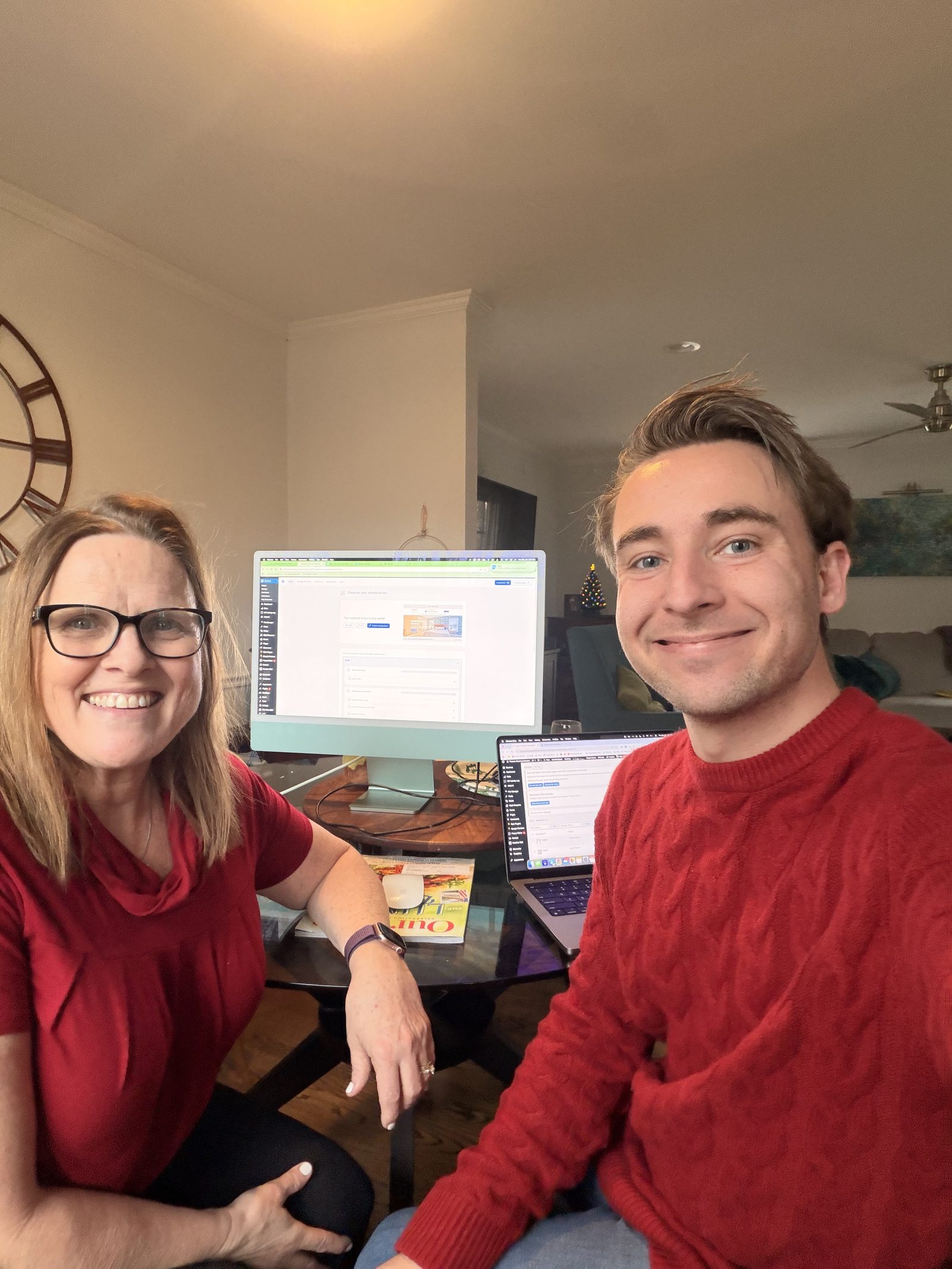
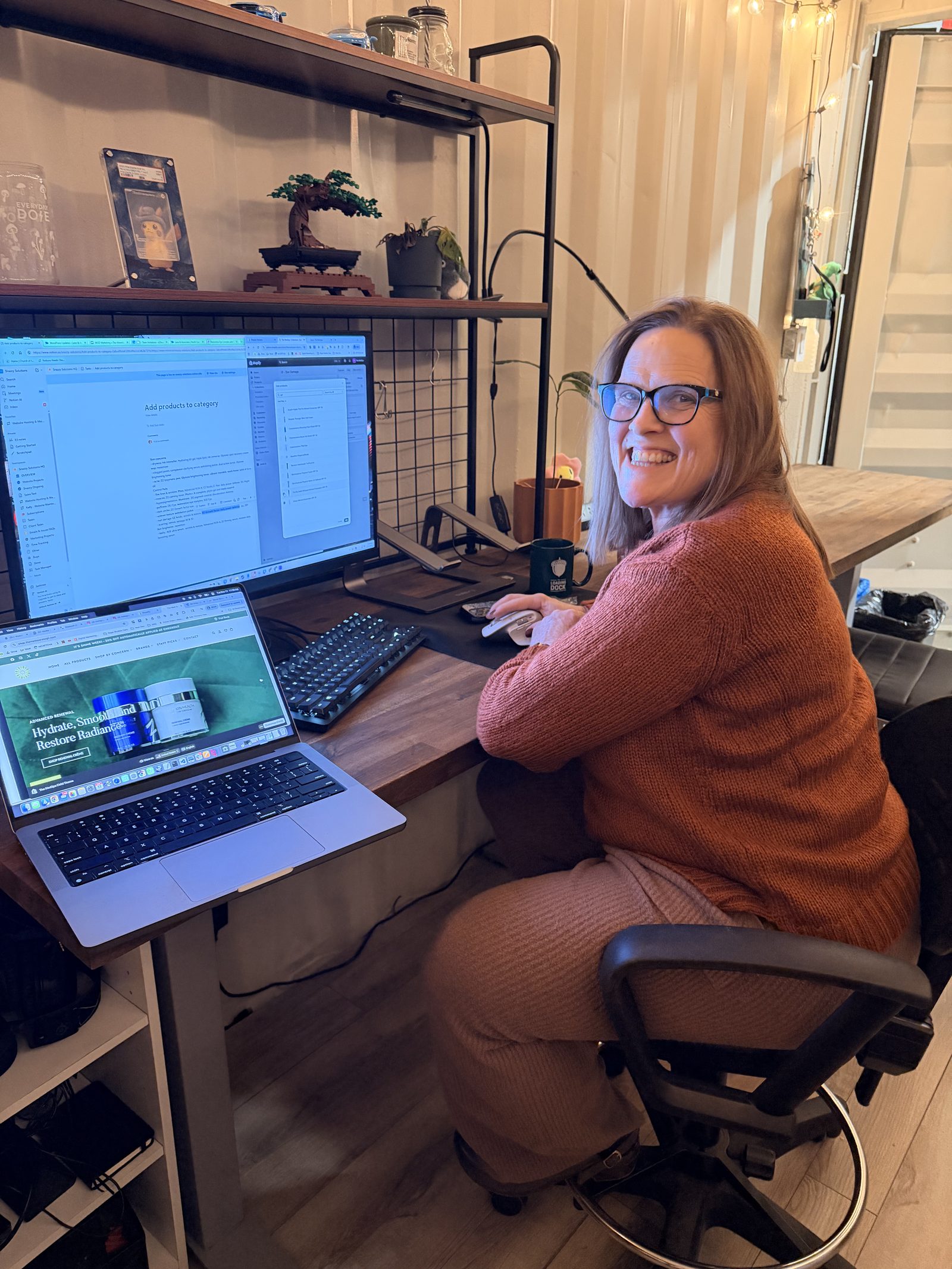
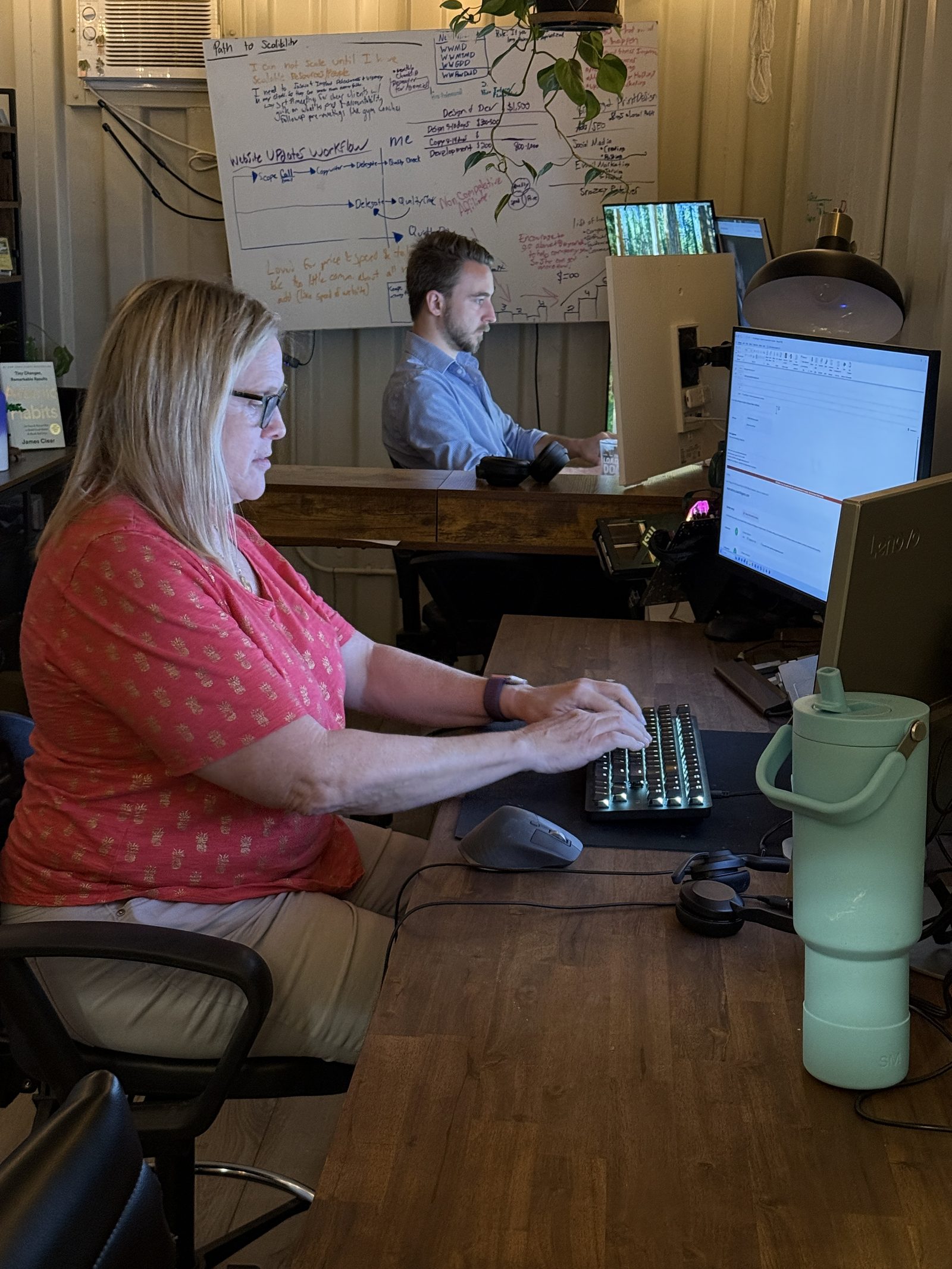
We mentioned earlier that the highest-signal question you can ask a provider is what happens when an update breaks something. The honest version of that answer usually comes down to whether anyone is actually looking. On our side that is Kelly Eggebeen, our Website Quality Coordinator, whose whole job is keeping sites polished and working after launch so nothing slips through the cracks. You can meet the rest of the people behind it on our team page.

Frequently asked questions
How often should a WordPress site be updated?
Check weekly at minimum. Security releases should be applied within days, because automated attacks begin scanning for known vulnerabilities shortly after they are disclosed publicly.
Can I just turn on automatic updates instead?
Automatic updates help but do not replace a plan. They cannot catch an update that breaks your layout, and Patchstack found 46 percent of vulnerabilities had no vendor patch available at public disclosure.
Is WordPress maintenance the same as hosting?
No. Hosting is the server your site runs on. Maintenance is the ongoing work on the site itself. Some providers bundle them, which removes finger-pointing when something goes wrong.
What happens if I stop paying for a maintenance plan?
Your site stays online and keeps working. Updates, backups and monitoring stop, so risk accumulates gradually rather than immediately. You should always retain ownership of the site, hosting and domain.
Do small business websites really need a maintenance plan?
If the site generates leads or revenue, yes. If it is a static placeholder you could rebuild in a weekend, careful self-management on good hosting is a reasonable alternative.
Does website maintenance affect SEO?
Yes, indirectly but consistently. Downtime, slow pages, broken links and failed redirects all erode rankings over time, and none of them are visible from simply looking at your homepage.
Is WordPress outdated in 2026?
No. WordPress still powers about 40 percent of all websites according to W3Techs, and it is actively developed. The usual reasons people leave, a slow site, a hack, or updates that break things, are maintenance problems, not platform problems. A maintained WordPress site on a modern host stays fast and secure.
The short version
A WordPress maintenance plan is insurance against a slow leak, not a dramatic disaster. The risk is concentrated in plugins, the failures are usually invisible, and the cheapest plans tend to be the ones where no human ever looks at your site. Ask about staging and backup restores, get the edit allowance in numbers, and make sure you own everything.
If you would rather not think about any of this again, that is our job. We are a web design and digital marketing agency in Raleigh, we keep sites running for businesses across the Triangle and well beyond it, and our maintenance plan is 100 dollars a month whether or not you host with us. Tell us about your site and we will tell you honestly whether you need a plan at all. Sometimes the answer is no.